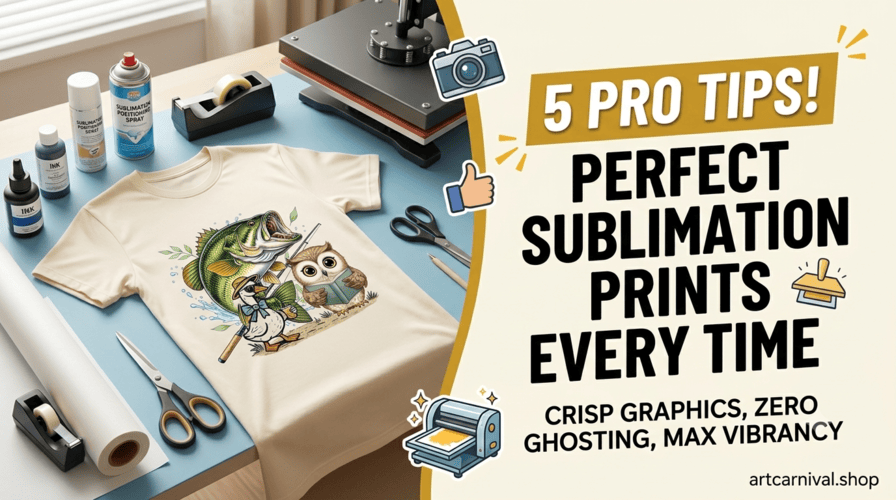
Welcome to the Artcarnival blog! If you are running an independent e-commerce storefront, a custom boutique, or an online apparel brand, you already know that high-quality designs are only half the battle. The other half is execution.
Sublimation printing allows you to create incredibly vibrant, retail-ready clothing and gifts, but it can also be finicky if your settings are just a little bit off. To help you get flawless results every time you use our premium digital assets, we’ve put together five essential tips to master the sublimation process.
1. Always Start with High-Resolution, Transparent Files
The golden rule of printing is simple: garbage in, garbage out. If you start with a low-resolution JPEG or a poorly cropped graphic, your final physical product will look blurry or pixelated.
When you source your graphics from Artcarnival, you never have to worry about this step. Every design in our library is delivered as a high-resolution PNG file with a flawless transparent background. This ensures crisp, clean edges that blend seamlessly onto any fabric or blank color you choose.
2. Match the Right Fabric Composition
Sublimation ink requires synthetic fibers to bind correctly. For apparel, always aim for 100% polyester if you want the most vibrant, punchy colors possible.
-
100% Polyester: Maximum vibrancy and zero fading over time.
-
Poly-Blends (e.g., 65% Poly / 35% Cotton): Gives you a slightly faded, vintage, or retro look. This works beautifully with distressed or retro-themed graphics!
-
100% Cotton: Avoid completely. Sublimation ink will wash right out of standard cotton fabrics.
3. Mind Your Time, Temperature, and Pressure
Every heat press is slightly different, and different blanks require different settings. However, a good baseline for polyester apparel is 400°F (204°C) for 40 to 60 seconds under medium pressure.
-
Too much time/heat: Can scorch your fabric or cause the colors to turn brown.
-
Too little time/heat: Will result in a faint, incomplete transfer.
-
Pro-Tip: Always do a test strip on a scrap piece of fabric whenever you open a new batch of shirts or blanks.
4. Banish “Ghosting” with Heat-Resistant Tape or Spray
Ghosting happens when the sublimation paper shifts slightly while the press is closing or opening, creating a blurry, double-image shadow around your design. To prevent this, securely anchor your printed design face-down onto your blank using heat-resistant tape or a light mist of sublimation position spray. Once it’s locked in place, it won’t budge, ensuring a razor-sharp transfer.
5. Prevent Ink Bleed-Through
Sublimation ink turns into a gas under heat, and that gas wants to travel. If you aren’t careful, the ink can bleed straight through the front of a shirt onto the back layer, or even ruin your heat press platen. Always place a sheet of blowout paper (butcher paper or Teflon sheets) inside the shirt to protect the back layer, and place another sheet on top of your sublimation paper to protect your heat press.